
How to Search York County Court Records
The main search tool is the South Carolina Judicial Branch Case Records Search, which routes you into the county Public Index. You can also open the York County Public Index directly. It covers Circuit Court, Family Court, Magistrate, and Master-in-Equity cases, plus some municipal records. The landing page is a routing page, not the full case form. You pick York County first, then the search screen loads.
Get a few things ready before you start. A case number returns the cleanest result. A party name works too, but common names produce many hits. Your browser must allow cookies and JavaScript. Some browsers need a pop-up exception to open case detail. The official Trial Court Public Index guide warns that results must match every field you enter, so over-filtering is a common reason a real case looks missing.
York County's population sits near 300,000, which means the index carries a heavy volume of cases each year. Census figures from the U.S. Census QuickFacts page show the county's size and growth.
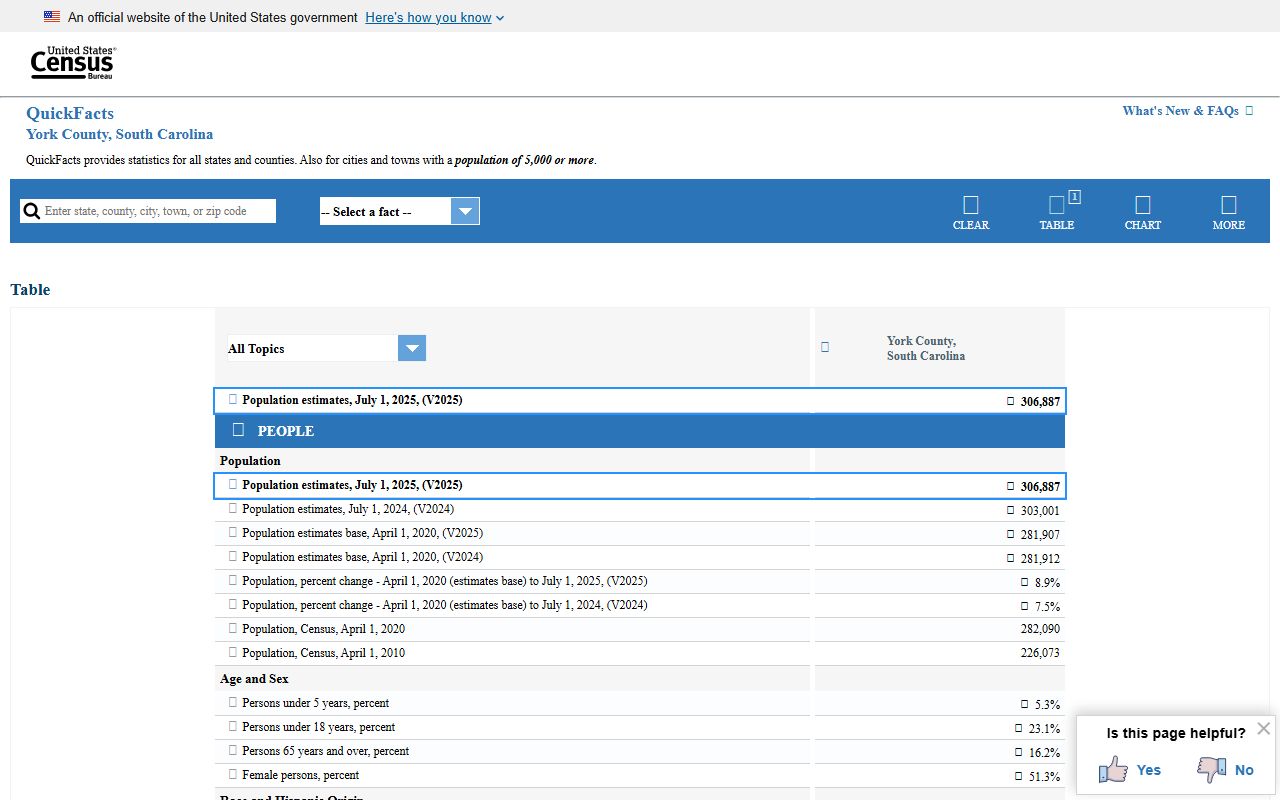
A larger county means more filings, more parties, and a stronger need for a clean case number. With your details in hand, follow these steps.
- Open the York County Public Index, read the county disclaimer, and click Accept.
- Enter the security code and click Validate. Pressing Enter does not work here.
- Type a case number, or a last name and first name, to start a search.
- Narrow results with court type, case type, party type, or a filing date range.
- Click a case number, open the Actions tab for docket entries, and click document icons where images exist.
If a document icon does not appear, the York County records FAQ says to open Associated Cases, click the linked case number, and return to Actions. A docket entry can be visible even when the scanned file is not.
York County Court Records Search Fields
The Public Index gives you many fields, and almost all of them are optional. You can search with just one, or stack several to narrow a busy result list. The official guide names Court Type, Court Agency, Case Type, and SubType as the main filters. A Name Search Option lets you match beginning letters or a partial word, which helps when a party name may be entered differently. The table below lists the common fields and how each one works.
| Field Label | Type | Required | Notes / Format |
|---|---|---|---|
| Case # | Text | No | Search by a known case number; the cleanest way to find one case. |
| Last Name / Business | Text | No | Use beginning letters or a partial word; Contains helps with business names. |
| First Name | Text | No | Pair with a last name to narrow results. |
| Court Type | Dropdown | No | Filters by trial-court division. |
| Case Type | Dropdown | No | Civil, criminal, appeal, and other categories. |
| Party Type | Dropdown | No | Roles such as defendant or plaintiff. |
| Date Type / Range | Date | No | Filed, disposed, judgment issued, or arrest date. |
| Tax Map # | Text | No | Used for real-estate cases such as foreclosures. |
| Security Code | Text | Yes | Must click Validate before the search screen opens. |
Advanced users can search by Action Type to pull foreclosure, motion, or judgment entries without a party name. The Lis Pendens and Judgments filters narrow civil results to property notices and money judgments.
Types of York County Court Records
York County court records span every division of the local courts. Each court keeps its own files, and each kind answers a different question. Civil files sit in Common Pleas. Criminal files sit in General Sessions. Family, probate, traffic, and magistrate cases each have their own home. The type you need points you to the right search tool and the right office.
Civil records flow through the Court of Circuit Court Common Pleas division and include complaints, judgments, foreclosures, and lis pendens. Criminal records flow through General Sessions and the magistrate courts. Family Court keeps divorce, custody, and support files in Rock Hill. Probate handles estates and marriage licenses. The list below sorts the main types.
- Civil records - Common Pleas lawsuits, judgments, foreclosures, and transcript judgments.
- Criminal records - General Sessions and magistrate files with warrants, indictments, and sentence sheets.
- Family records - divorce, custody, support, and orders of protection, with sensitive items limited.
- Probate records - estates, wills, guardianships, and marriage licenses.
- Traffic and DUI records - citations, fines, court dates, and first-offense DUI cases.
- Master in Equity records - non-jury civil matters and judicial sales, kept by the Clerk.
Keep one thing in mind. A Public Index name search is case-specific court access, not a full criminal history. A statewide background check runs through SLED, not a single county search.
What York County Court Records Show
A York County court record is built from data fields. The Public Index displays many of them, though sealed and confidential items stay hidden. Once you open a case, the Actions tab logs each filing and order in date order, and the Financials tab shows fines and fees where it is enabled. The table lists common fields and what each one tells you.
| Field | What It Shows |
|---|---|
| Case Number | The court's unique ID for the case; the cleanest way to search. |
| Filing Date | When the case opened; usable as a date filter. |
| Parties | Plaintiff, defendant, petitioner, or respondent, with a toggle for multiple parties. |
| Case Type / SubType | The division and category, such as civil, criminal, family, or estate. |
| Actions | The docket log of filings, motions, hearings, and orders in date order. |
| Disposition | The outcome, such as dismissed, guilty plea, or judgment. |
| Financials | Fines, fees, and payments where that tab is enabled. |
As of January 1, 2026, home address information no longer shows on the Public Index for new or existing cases. Personal identifiers must be redacted under court rule.
Public Access Framework for York County Court Records
Access in South Carolina comes from a few overlapping rules. County and sheriff administrative files fall under the Freedom of Information Act, found at S.C. Code § 30-4-10. The law defines public bodies broadly, including the county, and gives the public a process to request non-exempt records. It does not override court sealing rules or confidentiality statutes.
Court files follow their own rules. E-Filing Rule 10 gives the public access to case status and party-filed documents through the Public Index, with sealed matters excluded. Appellate Court Rule 610 limits bulk distribution of compiled court records for commercial use. The Family Privacy Protection Act restricts release of personal information from public records for some solicitation purposes. Together these rules mean most dockets are open, but public access is not the same as free bulk data.
Note: A docket may be public while attachments are absent, addresses are redacted, or juvenile and medical details are withheld by statute.
Records That Are Sealed or Confidential in York County
Not every York County court record is open. Several categories are closed by statute or court order. Juvenile records are confidential under S.C. Code § 63-19-2010. Adoption files are sealed under S.C. Code § 63-9-780. Mental-health and involuntary-commitment records are protected under S.C. Code § 44-22-100. Sealed cases do not appear on the Public Index at all. Expunged charges are removed from public criminal systems.
To view a sealed record, a person usually must ask the court that holds it and show good cause. The judge decides. Keep two terms apart. A sealed record still exists but is closed. An expunged record is destroyed or removed from public access under S.C. Code § 17-1-40. Most criminal expungement applications run through the 16th Circuit Solicitor's office, and the eligible categories are set out in S.C. Code § 17-22-910. The court that signs the order handles where it goes next.
In-Person Court Record Requests
You do not have to use the portal. The Clerk of Court keeps Circuit and Family Court files at Moss Justice Center on York Highway, and staff can help with copies for a fee. Bring a case number if you have one, since it speeds the pull. Office hours run Monday through Friday, 8 a.m. to 5 p.m. The Clerk also serves as Register of Deeds, but property records sit at a separate office on South Congress Street. Indigent defendants can check eligibility with the county Public Defender listing.
The state indigent-defense page below shows the York County Public Defender contact block.
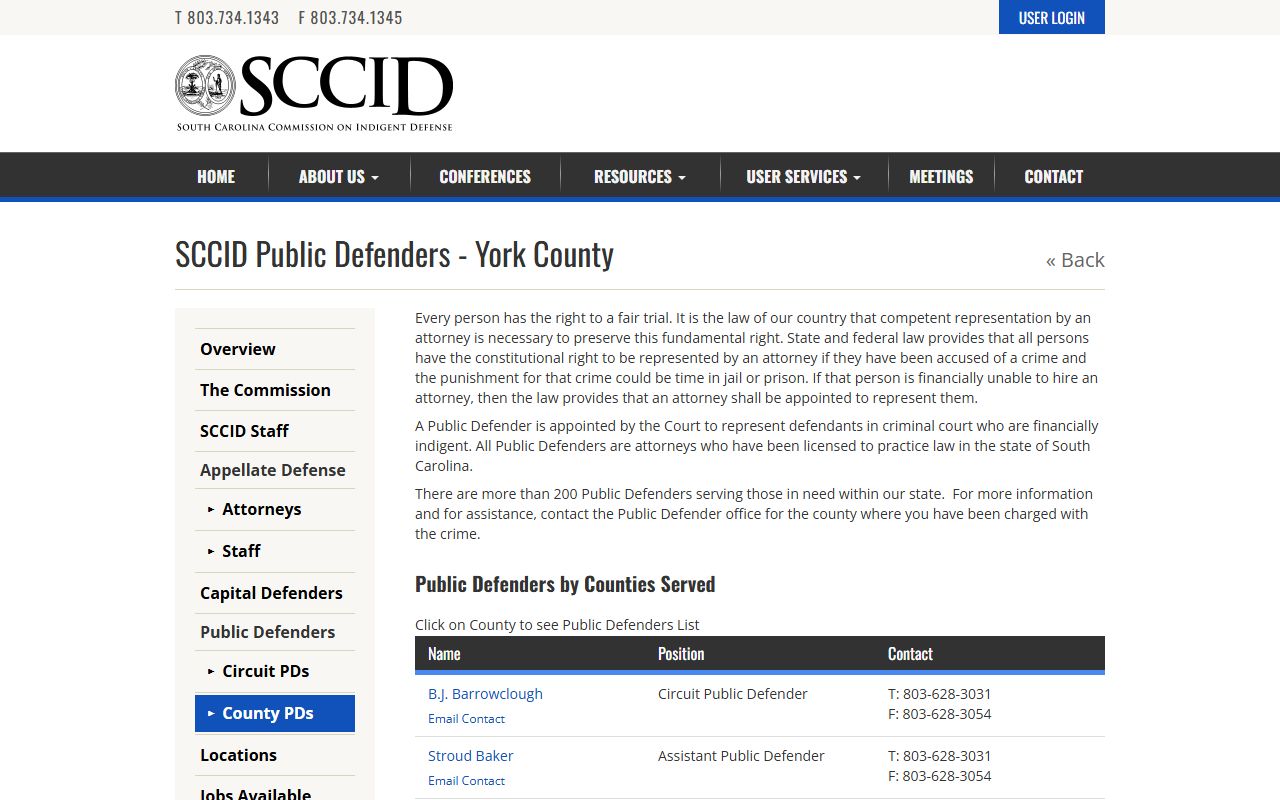
That office matters when a case record involves a defendant who could not afford counsel. For copies of court files, the Clerk's office is still the main counter.
York County Clerk of Court
Moss Justice Center
1675-1G York Highway
York, SC 29745
803-628-3036
Mon-Fri 8 a.m.-5 p.m.
York County Estate and Probate Records
Estate files are a heavily searched slice of York County court records. They run through Probate Court, not Circuit Court. York Probate estate records from 1975 to current are online through the South Carolina Probate Search, searchable by decedent name or case number. Documents can be viewed free the day after filing, and printing costs $2 per document. The portal also handles York marriage searches.
The state probate search portal is shown below.
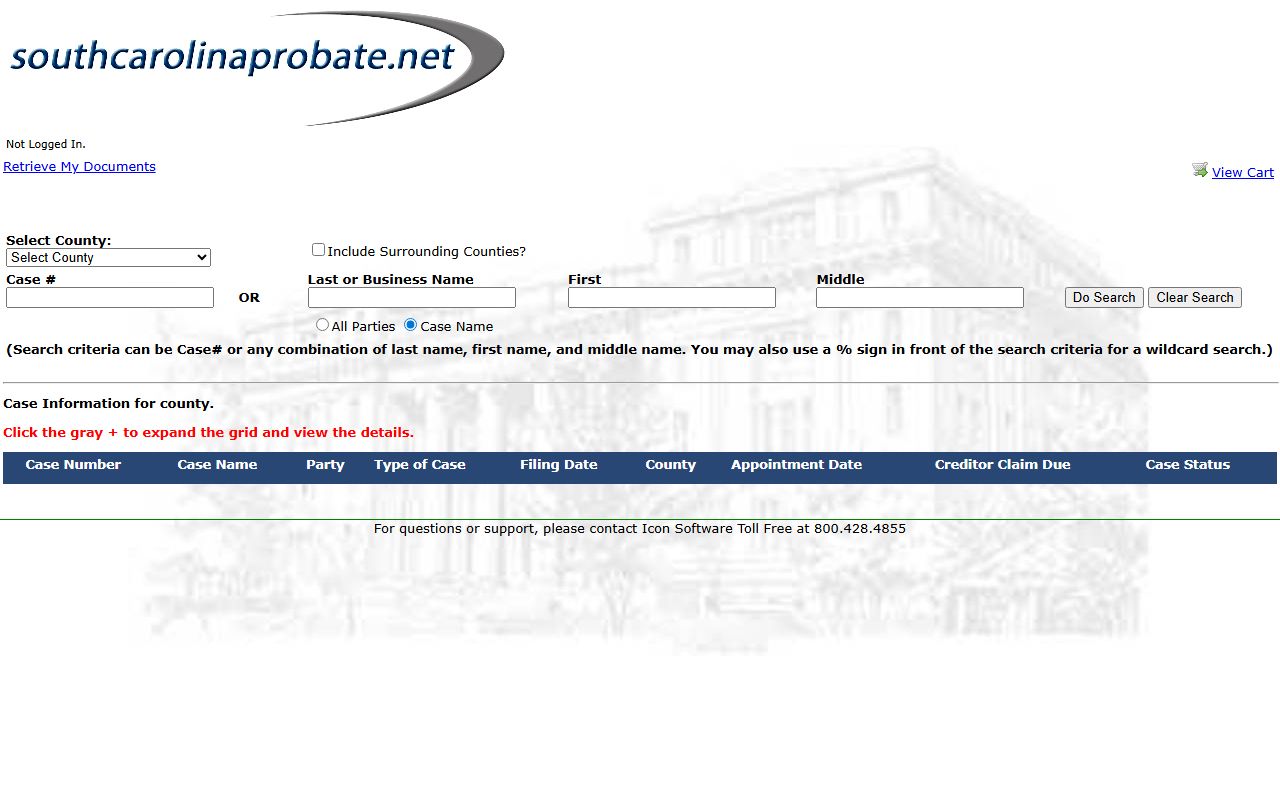
Probate uses its own vocabulary, and a few terms help when you read a result.
- Testator
- A person who makes a will.
- Personal Representative
- The person named to carry out a will, also called an executor.
- Intestate
- Dying without a valid will, which changes how the estate is settled.
- Conservator
- Someone appointed to manage money or property for a minor or an incapacitated adult.
For the full estate process and fees, see the Probate Court page.
York County Court Records Fees
Searching the Public Index is free. Copies and filings are not. Fees depend on the office and the document. The courts charge set amounts for filings, while Probate and the Register of Deeds charge for certified copies. The table lists common charges drawn from official fee pages.
| Item | Amount |
|---|---|
| Circuit Court new case filing | $150 |
| Circuit Court transcript of judgment | $35 |
| Foreign judgment filing | $100 |
| E-filing technology fee (summons and complaint) | $25 |
| Register of Deeds certified copy | $10 per document |
| Probate document printing | $2 per document |
Full filing-fee detail is on the South Carolina Circuit Court fee schedule. Online court data can lag behind the courthouse, so call the office that holds a case if a recent action is missing.